Small Business Website Basics: What It Needs to Bring In Calls
By Lonnie Sanders III · November 26, 2026
A website for a local business has one job: get the right people to contact you. Everything on it should help with that. Anything that does not is decoration.
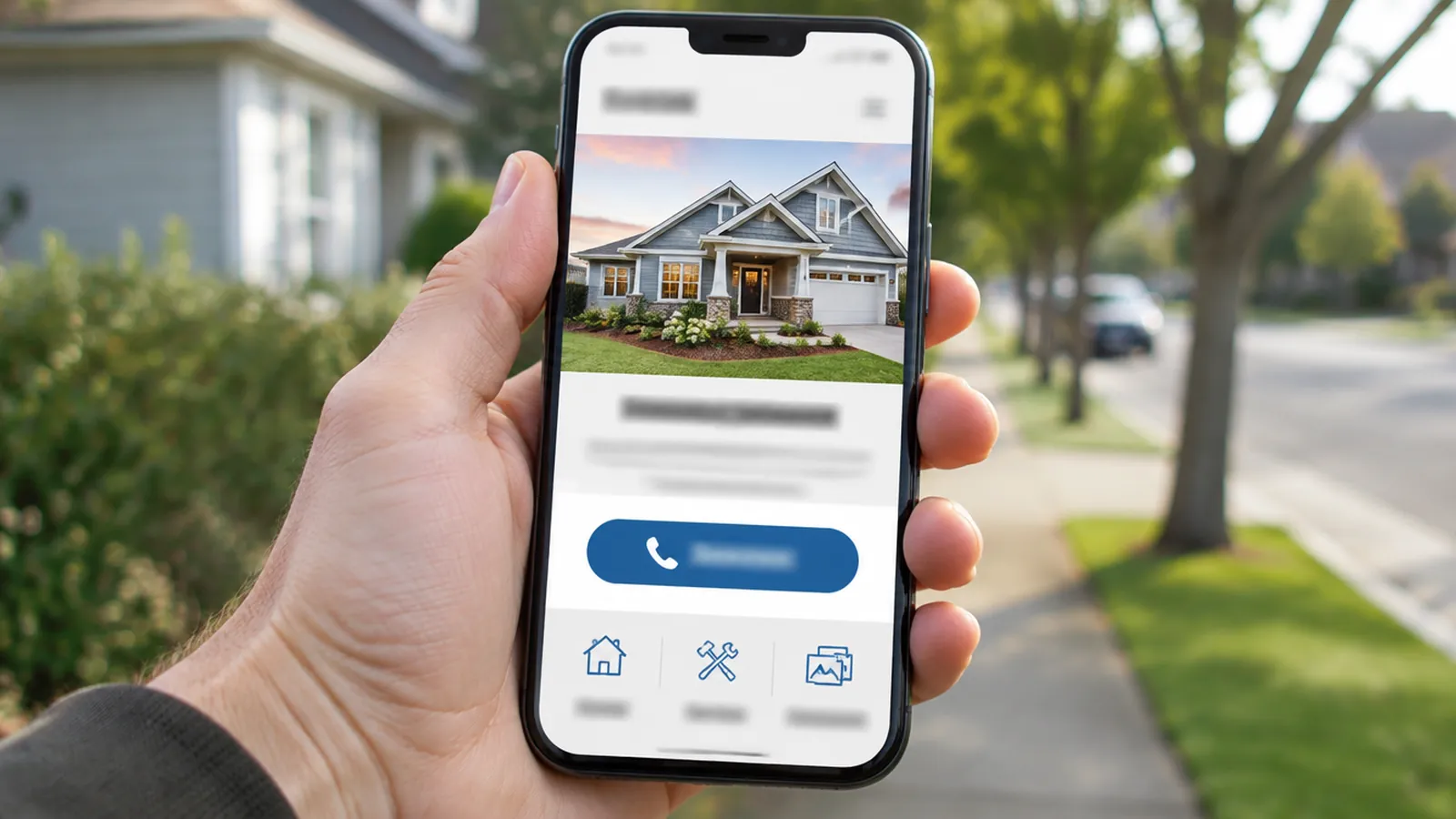
Many local business websites look fine on a desktop computer and fail on a phone, which is where many customers will see them. Here is what matters.
The must-haves
A first line that says what you do and where. "Interior and exterior painting in Concord and Walnut Creek." A visitor should know in three seconds whether they are in the right place.
Your phone number at the top, tappable. On a phone, one tap should start the call. Put it at the top of every page and again at the bottom.
One page for each main service. If you do interior painting, exterior painting, and cabinets, give each one its own page. It helps customers find what they need and helps Google match you to more searches.
The towns you serve. List them plainly. Customers want to know you come to them.
Real photos of your work. Your trucks, your crew, your finished jobs. Stock photos make a local business look like every other business.
Proof you are legit. License number, insurance, years in business, and a few real reviews with first names.
One clear next step. Call, text, or fill out a short form. Ask for only what you need: name, phone, and what they need help with.
Fast on a phone. If it takes more than a few seconds to load on cell data, people leave. Large images are the usual cause.
What you can skip
- Sliders that rotate pictures.
- Long "About Us" stories at the top of the home page.
- Videos that play automatically.
- Pop-ups that cover the screen on a phone.
- Pages for services you do not want more of.
The five-minute phone test
Pull out your phone, turn off wifi, and open your website. Pretend you are a customer with a problem.
- Can you tell what the business does and where within three seconds?
- Can you call with one tap without scrolling?
- Can you find the specific service you need?
- Can you tell whether they serve your town?
- Did the page load quickly?
Every "no" is a customer who may have left.
Do not have a site yet?
Start small. A one-page site with the must-haves above will outperform no site at all, and you can add service pages over time. A free Revenue Leak Scan shows how customers find you today, with or without a website. Request it at reviverevenueservices.com/scan.
Want to talk about how this applies to your business?
Get Your Free Revenue Leak ScanCall (415) 203-3918Related insights

Small Business Growth
Referrals Are Great Until They Slow Down
Referrals are the best customers you will ever get. They are also out of your control. Here is how to build a second source of work while you are still busy.

Small Business Growth
Your Business Details Are Wrong Somewhere Online. Here Is How to Check.
An old phone number on one directory can send customers to a dead line and make Google less sure about you. Here is a 30-minute check you can do yourself.
Small Business Growth
Slow Quotes Lose Jobs: Getting Estimates Out the Same Day
The customer asked three businesses for a price. The first clear quote often wins. Here is how to get estimates out the same day without working until midnight.