Why Your Business Does Not Show Up on Google Maps (and How to Improve Your Ranking)
By Lonnie Sanders III · November 14, 2026
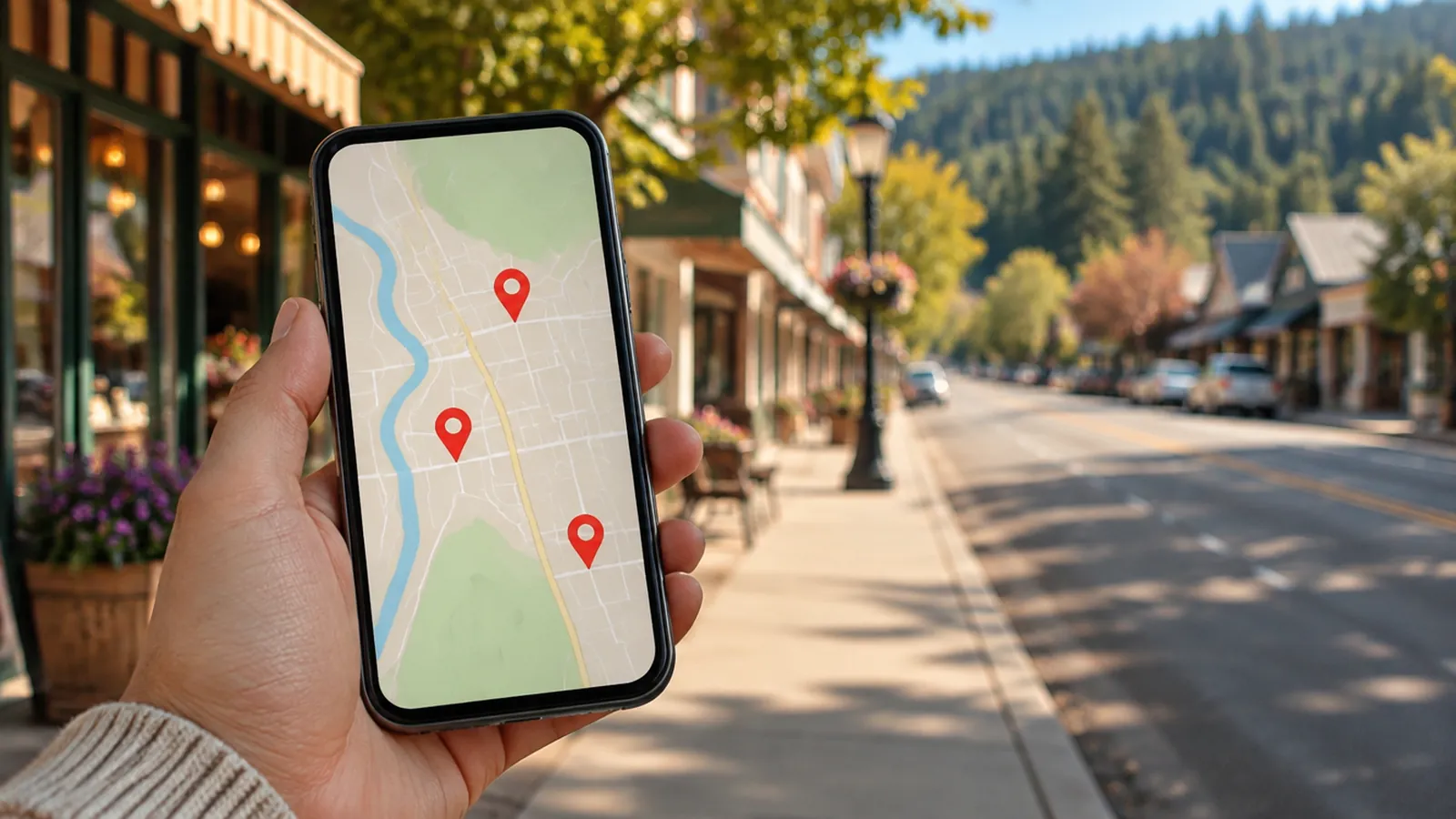
A customer is standing in your town with a problem you solve. They pull out their phone and type "plumber near me" or "roof repair Concord." Google shows a map with three businesses on it. They call one of those three.
If you are not on that map, you never knew that customer existed. The job was gone before the phone ever rang.
How Google decides who shows up
Google says it ranks local results on three things:
- Relevance: how well your listing matches what the person searched for.
- Distance: how close you are to the person searching, or to the place they named.
- Prominence: how well known and trusted your business looks, based on reviews, links, and information across the web.
You cannot move your shop closer to every customer. You can control relevance and prominence, and that is where many of the problems live.
The common reasons you are missing
You do not have a Google Business Profile, or you never verified it. Many owners assume Google "just knows" about them. Sometimes Google created a basic listing from public data, but an unclaimed listing is thin, often wrong, and easy to outrank.
Your main category is wrong. Google uses your primary category to decide which searches you belong in. A repair shop listed under the wrong category can be invisible for repair searches, even with good reviews.
Your profile is half finished. No hours, no photos, no services listed, no description. A complete profile gives Google more reasons to match you to a search.
You have few reviews, or old ones. If the shops around you have dozens of recent reviews and you have six from three years ago, you look less active and less trusted.
Your details do not match across the web. If your name, address, or phone number is different on Yelp, Facebook, and old directories, Google is less sure the information is right.
Your service area is set up wrong. If you go to customers instead of having them come to you, your profile should list the towns you serve. If it does not, you may only show up near your home address.
What to do this week
- Search your business name and your town on Google. Does your profile show up on the right side or at the top on a phone? If not, go to business.google.com and claim or create it.
- Check your primary category. Then search for your main service in your town and look at the categories the top three businesses use.
- Fill in every section: hours, services, service area, description, and at least ten real photos of your work, your shop, and your team.
- Ask your last five happy customers for a review, and send them the direct review link from your profile.
- Search your old phone number and old address. If they show up anywhere, fix those listings.
None of this costs money. It costs a few focused hours, and it keeps working for you every day after.
Want a second set of eyes?
If you would rather know exactly where you stand before you start, we will check how your business shows up on Google, Google Maps, and directories and send you a short list of what to fix first. It is free. Request it at reviverevenueservices.com/scan.
Want to talk about how this applies to your business?
Get Your Free Revenue Leak ScanCall (925) 389-0009Related insights

Small Business Growth
No Website? Here Is What Customers See When They Search for You
Your business runs on referrals, so a website never felt necessary. But even referred customers look you up before they call. Here is what they find, and what it costs you.

Small Business Growth
Every Missed Call Is a Job Someone Else Gets
You are on a job, the phone rings, and you call back two hours later. By then the customer has booked someone else. Here is how to stop losing work to voicemail.